Home Networking
Nowadays everybody has some sorts of internet connection at home. How you do that typically, you go to one of your local operators (fixed or mobile) and they provide you I nice box you plug in the wall and that’s it. You get some codes for your Wifi setup and that is typically all you need. If you are in this category and you are happy (nothing wrong with that), I would recommend to stop reading now, as this is not for your. If you identify with the previous section and feel, that that is really not enough and fulfilling your need. E.g. not good enough coverage in your home everywhere? You have really a lot of devices to connect that sometimes don’t work well? You have a lot of Pictures or documents on multiple devices and don’t want to put everything to Google drive, but want to keep it yourself safely? Then “good news” there are good alternatives, and I advice you to keep reading. This is my own thoughts and ideas, how I tackled the shortcomings of having only a operator provided wireless router. I will cover the following key areas:
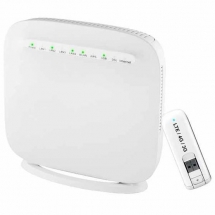
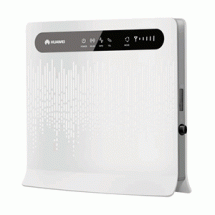
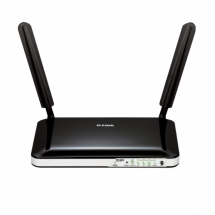
- Routers and Modems – to connect your network to the Internet
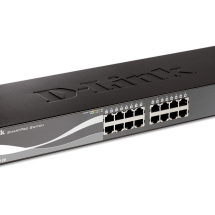
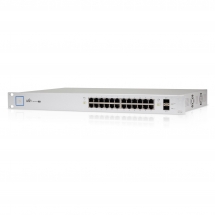
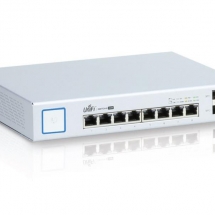
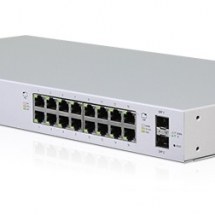
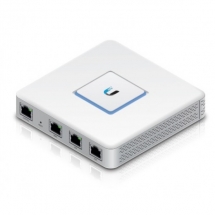
- Switches & Gateways – all your devices to be connected and maximize the wired connectivity
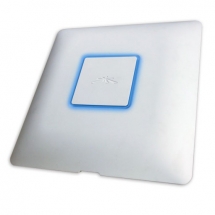
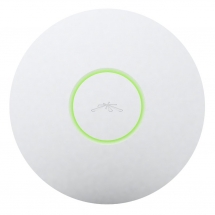
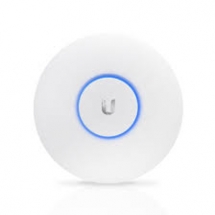
- Access Points – Optimize your wireless coverage
- NAS – Enabling safeguarding your precious data & allowing access to any device
I also intend to cover the topics such as internet security and personal cloud service.
Routers & Modems
Switches & Gateways
Access Points